Why Use the SpinBetter Mobile App?
The SpinBetter app gives you the complete platform in your pocket — sports betting with live odds, 6,000+ casino games, live dealer tables, deposits, withdrawals, and bonus management. It's not a stripped-down mobile version; every feature from the desktop site is available. The app also offers push notifications for match updates, bonus offers, and account activity, which the browser version can't match.
Performance-wise, the Spin Better app loads faster than the mobile browser experience and feels more responsive during live betting. The bottom navigation bar provides quick access to Sports, Casino, Live Casino, and your account. If you bet regularly from your phone, the app is a clear upgrade over using a browser.
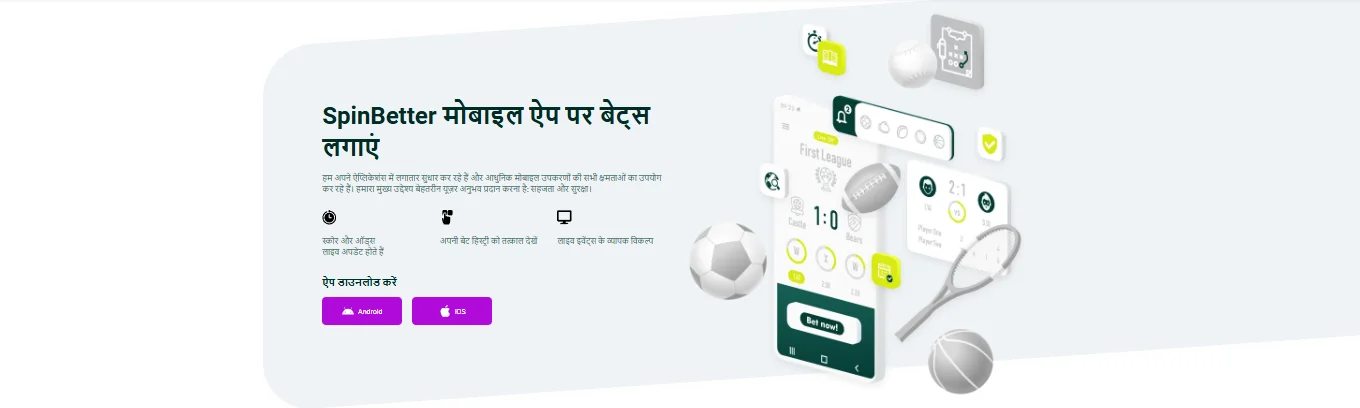
How to Download SpinBetter APK on Android
The SpinBetter app isn't on Google Play — Google's policies restrict real-money gambling apps from the store in most regions. Instead, you download the APK directly from the official website. This is standard practice for betting apps in India and is completely safe when you're downloading from the legitimate source.
- Open the official SpinBetter website in your phone's browser (Chrome, Samsung Internet, etc.).
- Navigate to the app download section — you'll see it promoted on the homepage or in the main menu.
- Tap the Android download button. The SpinBetter APK file will begin downloading.
- When prompted, allow installation from unknown sources. On most Android phones: Settings → Security → enable "Install unknown apps" for your browser.
- Open the downloaded APK file and tap Install. The app installs in under a minute.
- Launch the app, log in with your existing credentials (or create a new account), and you're ready to play.
The SpinBetter APK download is typically around 30–50 MB, so it won't eat up much of your storage. The app requires Android 5.0 or higher, which covers virtually all phones currently in use in India.
How to Install SpinBetter on iOS (iPhone/iPad)
Apple's App Store has similar restrictions on gambling apps, so SpinBetter uses Apple's TestFlight program for iOS distribution. TestFlight is Apple's official beta testing platform — it's completely safe and commonly used by apps that can't go through the standard App Store review process.
- Make sure you have the TestFlight app installed on your iPhone (it's free from the App Store).
- Visit the official SpinBetter website on your iPhone's Safari browser.
- Tap the iOS download button. This will redirect you to a TestFlight invitation page.
- Accept the invitation and tap Install within TestFlight.
- The SpinBetter app will appear on your home screen like any other app. Launch it and log in.
SpinBetter App Features — What's Inside
The app mirrors the desktop platform almost exactly. Here's what you can do:
- Sports betting: Full sportsbook with pre-match and live betting, bet slip, cash-out, and match statistics.
- Casino games: All 6,000+ slots, table games, and crash games work natively in the app.
- Live casino: Stream live dealer tables directly within the app — Blackjack, Roulette, Andar Bahar, and more.
- Deposits & withdrawals: All payment methods available on desktop work in the app.
- Bonus management: Claim bonuses, track wagering progress, and use promo codes.
- Push notifications: Get alerts for match results, bonus offers, and account updates.
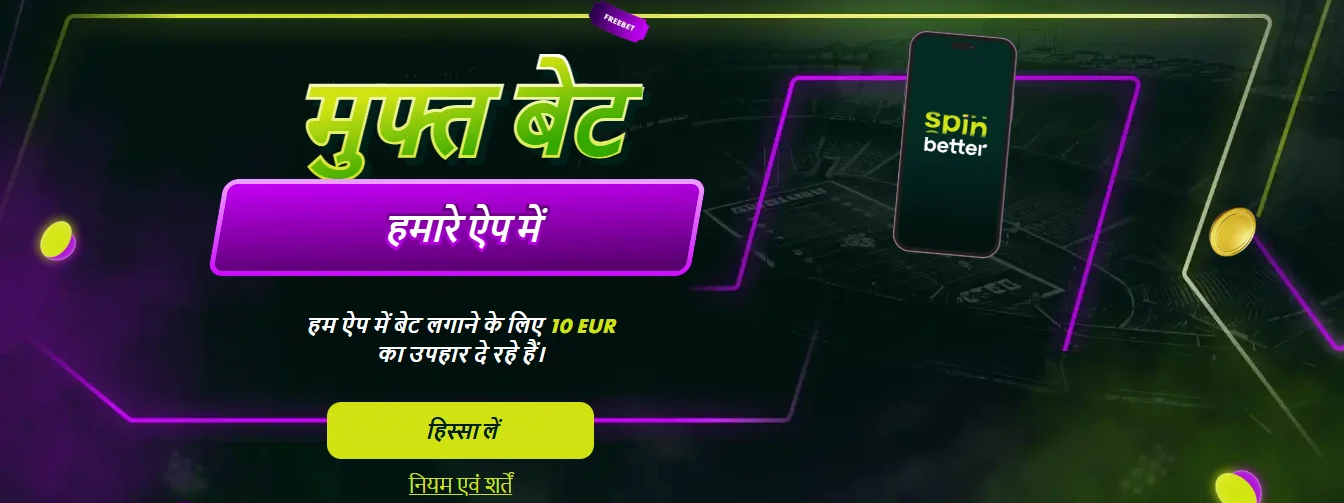
Exclusive App Free Bet Offer
Here's a bonus you can only get through the mobile app: place 10 bets of at least €1 each, and SpinBetter gives you a free bet worth the average stake of those 10 bets — up to €10 maximum. Singles must be at odds of 1.4+ and accumulators need 2+ selections each at 1.3+. The free bet must be wagered within 72 hours in a pre-match or live accumulator with 4+ selections at odds of 1.4+ each.
To activate this offer, open the promotions section in the app and tap "Take part" on the free bet offer. This promotion runs until June 2026, so there's plenty of time to take advantage of it. For details on all available offers, visit our SpinBetter bonuses page.
App vs. Mobile Browser — Which Is Better?
Both work, but the app wins on three fronts: speed (native app performance beats browser rendering), notifications (you won't miss live bet updates or bonus drops), and convenience (one tap to launch vs. navigating to a URL). The mobile browser version is perfectly functional, though — if you don't want to install an APK, you won't miss out on any features.
SpinBetter App FAQ
No. Google Play restricts gambling apps in most regions. Download the APK directly from the official SpinBetter website instead — it's the same app, just distributed outside the Play Store.
Install via Apple TestFlight. Visit the official website on Safari, tap the iOS download button, accept the TestFlight invitation, and install. It works just like any App Store download.
Yes, when downloaded from the official website. The APK is the legitimate app — it's only distributed outside Google Play due to store policies on real-money gambling apps.
Everything the desktop site has: sports betting, casino games, live dealers, payments, bonus management, and live chat support. Plus push notifications and an exclusive free bet offer.